


You want to buy a used camera. Or sell one. Or just know how hard your own has been working. Think of the shutter count as the mileage on your camera – and ClickChecker reads it straight from your photos.
How it works
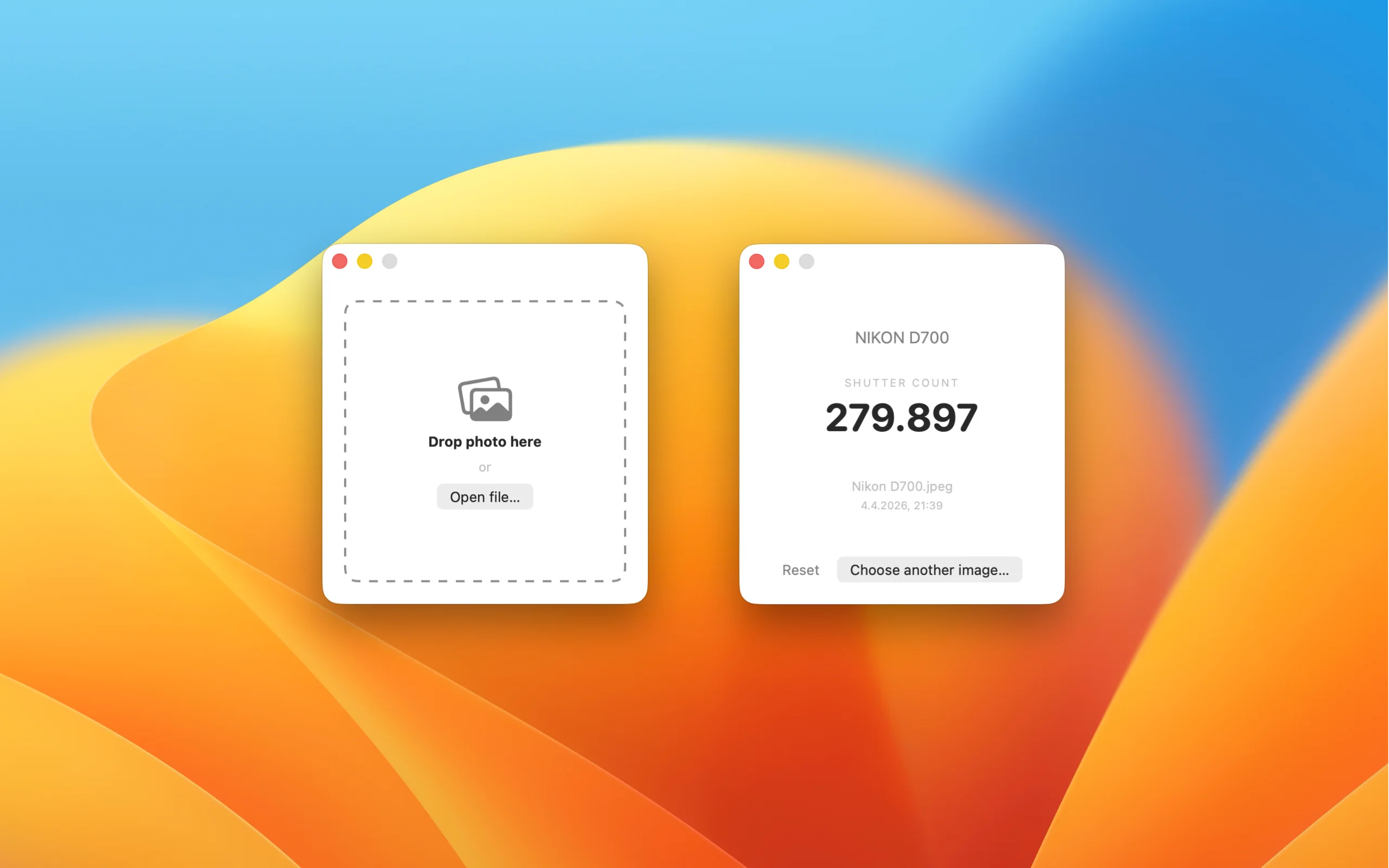
Drop a photo onto the app. Done.
JPEG or RAW, it doesn't matter: as long as your camera stores the actuation count in the metadata, ClickChecker will find it.
What you get
- Number of actuations
- Camera model and serial number
- Date taken
- File name
Nothing else. Exactly what you need.
Your photos stay with you
The entire analysis happens locally on your Mac. Your photo never leaves your device – everything runs offline and stays private.
Important for anything you want to keep private: unpublished images, personal shots, photos with GPS data.
Supported cameras
ClickChecker works with many cameras from Nikon, Fujifilm, Canon, Panasonic, OM System, Pentax/Ricoh, Sony and others – provided the actuation count is stored in the metadata. You can find out in seconds whether your camera is supported: just drop a photo in.
Let's be upfront: some manufacturers don't store the value in the image data at all. When that's the case, no software can read it – not even ClickChecker.
ClickChecker uses ExifTool by Phil Harvey (exiftool.org) under the hood. ♥
I was buying a used camera and wanted to know how many times it had already been fired. Just dropped a test shot into ClickChecker – and there was my answer. – Sarah, hobbyist photographer
Contact Support
Questions about the app? Write to info@one-trick-pony.app — we usually respond within 24 hours on business days.