


Every Mac collects apps over the years. Each one, at some point, asked for something – the camera, the microphone, access to your files. You clicked Allow or Don’t Allow – and forgot about it.
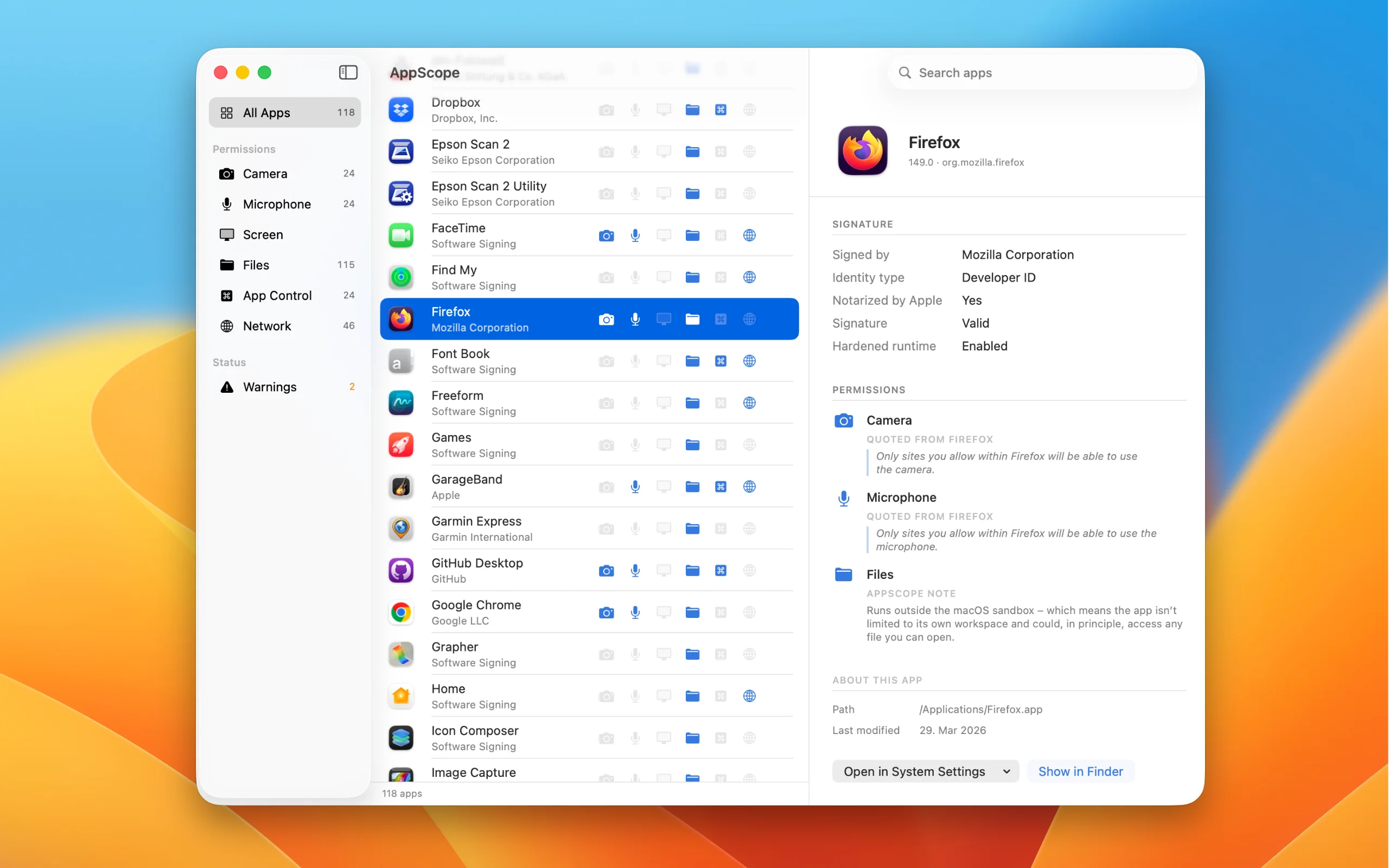
AppScope gives you the overview you never had. One row per app, six icons for the permissions that matter most. Every app on your Mac, at a glance.
What AppScope shows
For every app installed on your Mac, AppScope tells you whether it can:
- Access your camera
- Access your microphone
- Record your screen
- Read files anywhere on your Mac
- Control other apps via AppleScript
- Connect to the internet
Click an app to open the detail view.
Who’s behind each app
The signer – the company that cryptographically vouches for the app – is right there in the list. At a glance, you see who builds Firefox, who ships 1Password, and who stands behind that utility you installed last year and don’t quite remember.
What a click reveals
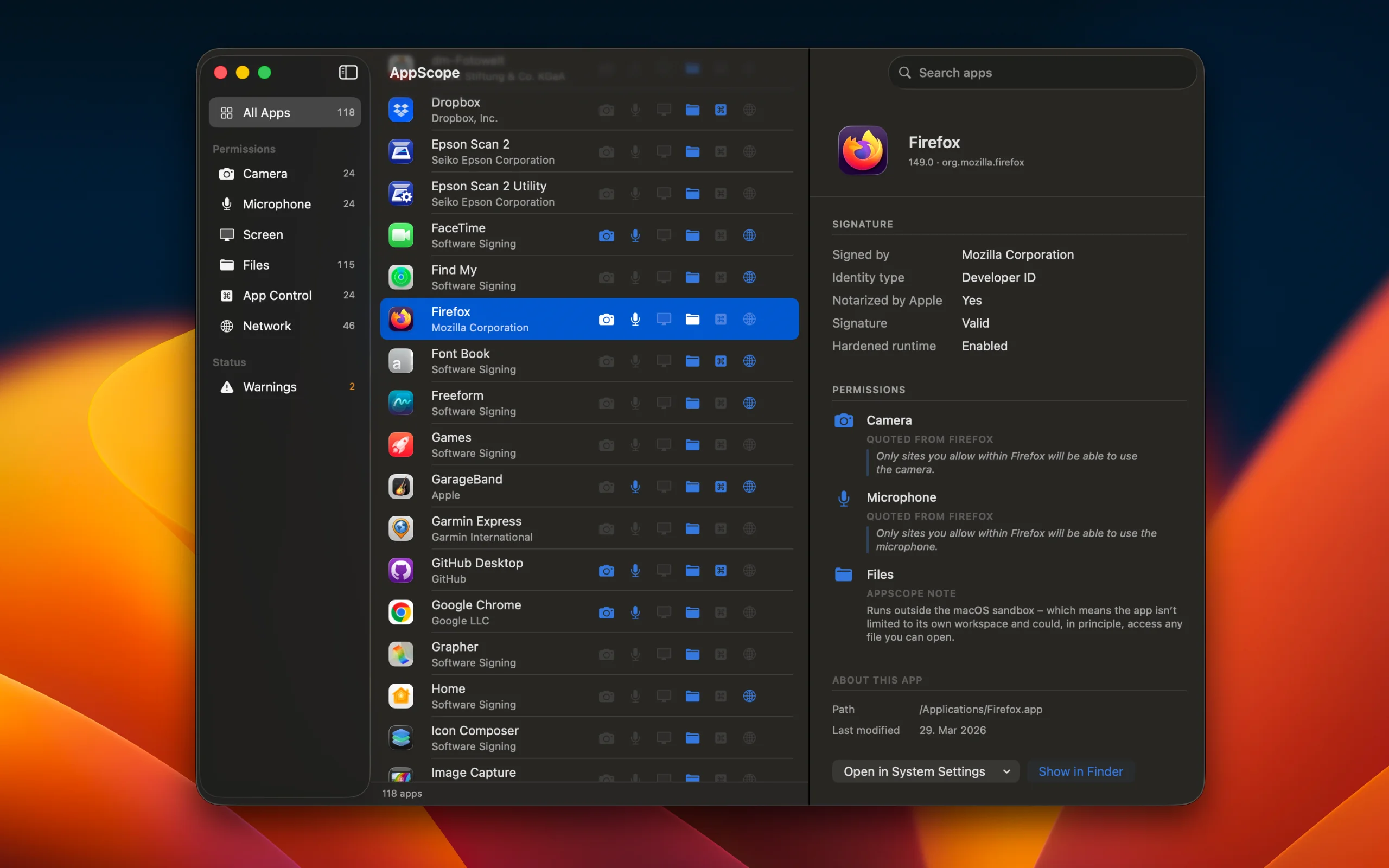
In the detail view, you see every permission the app has declared. Whenever the developer wrote an explanation – “Only sites you allow within Firefox will be able to use the camera.” – AppScope quotes it word for word, clearly labelled as coming from the app itself. So you read what the app says about itself, not what we say about it.
For the kinds of access macOS doesn’t require an explanation for – network, broad file access, controlling other apps – AppScope adds a short, factual line of its own, clearly marked as ours.
Also shown: whether Apple has notarized the app (a second layer of publisher verification), whether it runs inside the macOS sandbox, and where the app is installed.
When the origin can’t be verified
If an app isn’t signed, or its signature can’t be verified, AppScope shows a small warning icon next to it. It doesn’t mean the app is harmful – it means there’s no verifiable company behind it. Whether you trust where you got it from is still your call.
Calm, not constant
AppScope doesn’t live in your menu bar. It doesn’t watch anything in the background. It doesn’t send notifications. You open it when you want the overview – after installing something new, or just once in a while – and close it again. A quiet app for a loud topic.
Nothing leaves your Mac
AppScope runs inside the macOS sandbox and has no network entitlement. It can’t send data out, even if it wanted to. No account, no cloud, no telemetry, no crash reports to third parties. It runs a fresh scan each time you open it and remembers nothing between launches.
The limits of a static inspector
An app is as honest as what it declares about itself. AppScope shows what each app can request, not what you’ve already allowed or denied – that lives in macOS Privacy settings, one click away. Some apps declare permissions only the first time they need them; those become visible after you’ve opened the app at least once.
An inspector, not a blocker
AppScope shows what apps can request – it doesn’t prevent, uninstall, or intervene. And it’s not an antivirus. It won’t make your Mac safer; it will make you better informed. What you do with that knowledge is up to you.
AppScope is built and maintained by one person. No investors, no data collection. The one-time price keeps the product independent and small.
Contact Support
Questions about the app? Write to info@one-trick-pony.app — we usually respond within 24 hours on business days.